
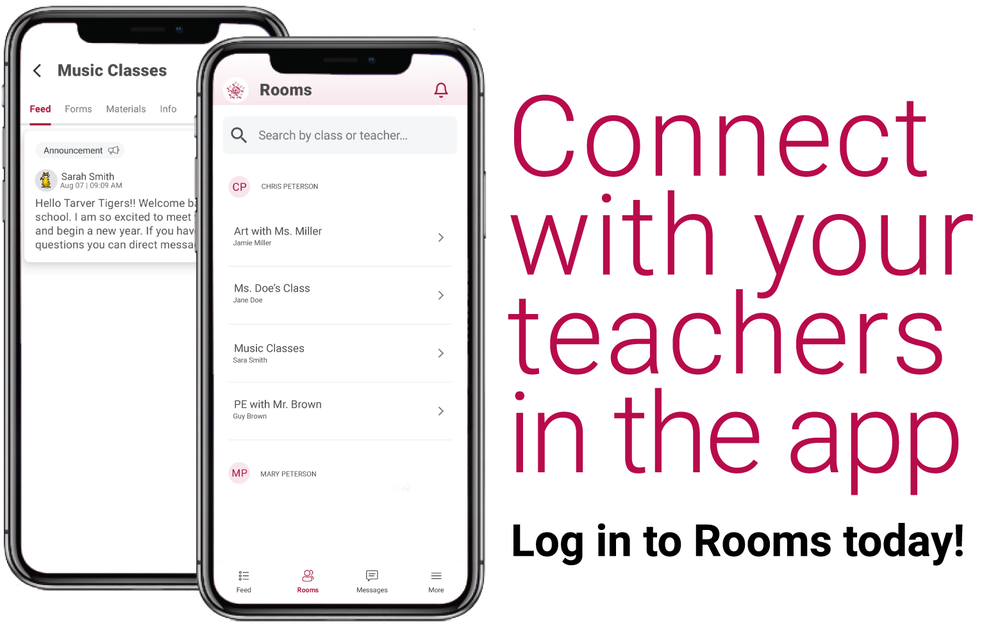
Starting this school year, the district is launching Rooms — our first-ever two-way communication tool. Rooms are built into the new district app and available in every classroom and school across the district!
Parents join your child’s classroom now so you can send and receive messages from your child’s teachers.
Here’s How:
Open the Adams 12 Five Star Schools App (don’t have it yet, download it today!)
Click on Rooms at the bottom of the screen
Enter your email address or mobile number used in your IC Parent Portal account
Follow the prompts and enter the authentication code.
Then, you’ll be logged in and able to send and receive messages to your child’s teachers.
Rooms is how all teachers at all schools will communicate with families this school year, so please make sure you have the district app downloaded and have logged into Rooms.
If you don’t see your child’s class in Rooms yet, your child’s teacher is still working on publishing their class and it will be there soon.